
Reviews
River Navigation Quest succeeds by keeping its core loop simple and satisfying. The procedurally generated courses ensure no two runs feel the same, and the gradual difficulty increase keeps you coming back. The variety of boats and upgrades adds meaningful progression without overwhelming the player. It is an excellent choice for casual gamers looking for a polished, family-friendly experience on mobile devices.
About this game
Core Navigation Mechanics
River Navigation Quest puts you in command of a watercraft moving along a procedurally generated river. The primary objective is to cover as much distance as possible without colliding with hazards. Steering is handled through simple left-right controls, either via on-screen buttons or keyboard arrows. The river layout changes with every attempt, so no two trips are identical. This design keeps the experience fresh and encourages repeated play.
Obstacle and Reward Design
Along the route, players encounter various obstructions that require timely maneuvering. These include natural formations like rocks and debris, as well as unusual elements such as energy fields and spatial anomalies. To aid progress, collectible items appear on the water. Coins and star-shaped tokens add to your score, while temporary power-ups like protective barriers and speed enhancements offer short-term advantages. Some sections feature ramps that allow your craft to leap over dangers, and special tools can clear certain blockages.
Vessel Selection and Upgrades
Players can choose from several different watercraft, each with distinct handling traits. Some boats turn more sharply, while others maintain higher speeds. As you accumulate coins from your runs, you can invest in upgrades that improve your vessel's performance. These enhancements may affect acceleration, turning radius, or resilience. Choosing the right boat for your play style and upgrading it wisely can significantly extend your travel distance.
Progressive Difficulty and Endless Play
The river's complexity increases the farther you travel. Early segments are relatively straightforward, allowing new players to learn the controls. Later sections introduce tighter passages, faster-moving hazards, and more frequent obstacles. This gradual ramp-up ensures that both beginners and experienced players find an appropriate challenge. Because the map is generated on the fly, the game offers near-infinite replayability without becoming predictable.
Visual Style and Platform Optimization
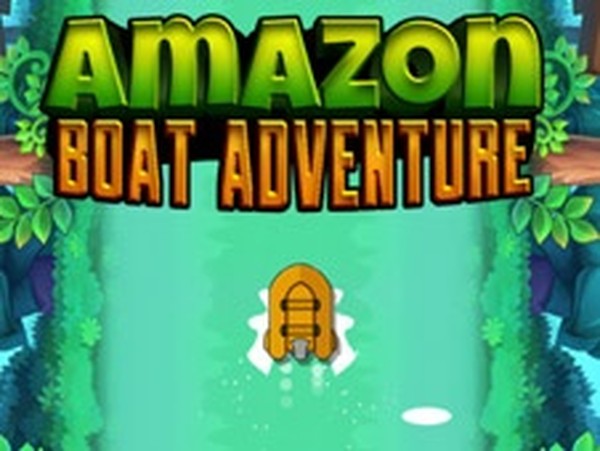
The game features bright, colorful graphics that create an inviting atmosphere. The visual design is clean and uncluttered, making it easy to spot upcoming hazards and collectibles. River Navigation Quest is built for mobile and tablet devices, with touch controls that respond smoothly. The interface is streamlined so that players can focus on the action without distractions. Performance is optimized for a range of devices, ensuring a consistent experience whether playing on a phone or a larger screen.







Comments
Sign in to leave a review
No account? Create one
No comments yet.