
Reviews
Tone Stack Music Composer stands out for its immediate feedback loop. Dragging a figure onto the stage instantly adds a sound layer, and the visual pulses keep you engaged. The hidden figures add a nice surprise for explorers. While it lacks advanced mixing tools, its simplicity is the strength. Perfect for casual music makers who want to play without pressure.
About this game
Building Sound Layers
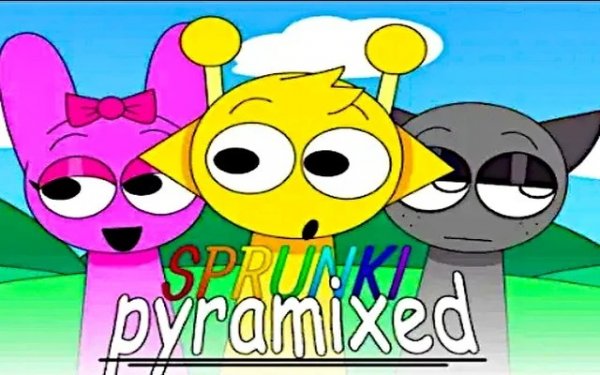
In Tone Stack Music Composer, the primary activity involves selecting from a lineup of animated figures, each representing a specific audio component. Dragging these figures onto a central stage activates their sound, allowing multiple layers to play simultaneously. This approach lets players gradually construct complex arrangements by stacking beats, basslines, and melodic effects. The interface responds immediately, so every addition or removal changes the mix in real time. There are no wrong combinations, encouraging users to try unexpected pairings.
Visual Feedback and Atmosphere
The screen displays stylized graphics that shift in response to the active sounds. Colors pulse and patterns move in sync with the rhythm, providing a visual representation of the audio structure. This feedback helps players see how their composition evolves. The background themes may change based on the selected figures, adding variety to the creative space. The overall aesthetic leans toward a modern, abstract style that complements the electronic music focus.
Controls and Accessibility
Players control everything through simple drag-and-drop actions using a mouse or touch input. The layout keeps all options visible on one screen, eliminating the need to navigate menus. Removing a sound is as easy as dragging the figure away from the stage. A reset option clears the board for a fresh start. This design makes the tool usable on both desktop computers and tablets, with no installation required. The lightweight code ensures smooth performance even on older devices.
Exploration and Hidden Elements
Some versions of this music tool include special figures or effects that are not immediately visible. These can be unlocked by performing specific sequences, such as clicking on certain parts of the interface or arranging figures in a particular order. Discovering these extras adds a layer of surprise for those who enjoy tinkering. While the core experience is about freeform creation, these hidden features reward curiosity and extended play.
Recording and Sharing
After building a mix, players can record their session to capture the final track. This recording can be saved locally or shared with others through social media or messaging apps. The ability to export compositions turns the tool into a personal music studio. Listening back to recordings helps identify which combinations work best, and sharing invites feedback from friends or online communities. This feature extends the experience beyond the screen, making it a social activity as well.







Comments
Sign in to leave a review
No account? Create one
No comments yet.